MetroList Android Auto Setup Guide (2026)
How to connect MetroList to your car, configure its Android Auto options, browse playlists, use quick-add, and troubleshoot a missing or unstable car interface.

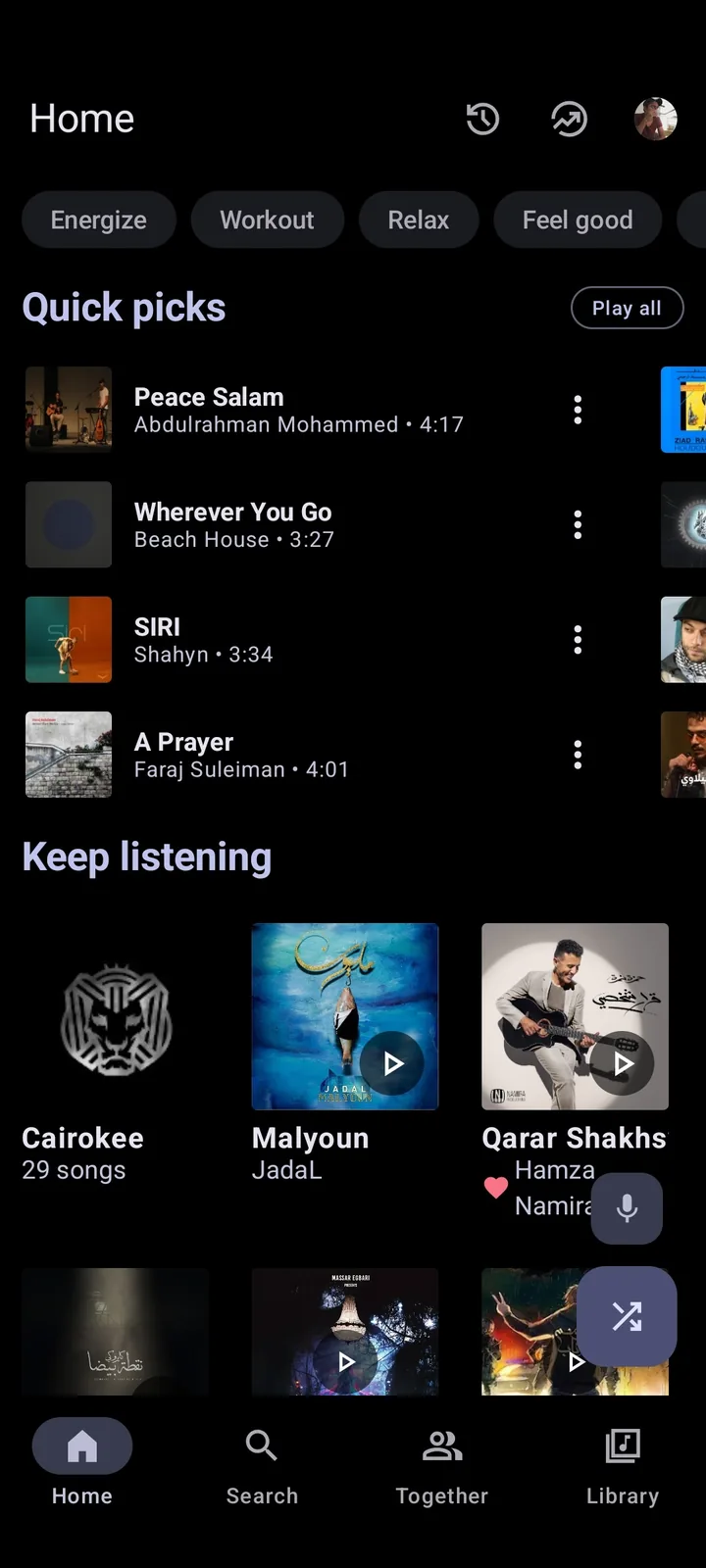
In this guide
Does MetroList Work with Android Auto?
Yes. MetroList has a dedicated Android Auto section in its current Android source. The settings include an option to show YouTube Music recommendations while browsing in the car and a target-playlist selector for the Android Auto quick-add button. The project changelog also records multiple Android Auto improvements, so car support is an active feature rather than a generic claim copied from an APK listing.
The important limitation is that Android Auto does not mirror every MetroList phone screen. Google restricts dashboard apps to simplified media controls and browsable audio categories. You should expect playback controls, library or playlist browsing, and supported quick actions. Search-heavy setup, account changes, downloads, cache management, and detailed queue editing remain phone tasks and should be completed while parked.
Best setup order
Update Android Auto and MetroList, launch MetroList on the phone first, start one song, connect the cable or wireless session, and only then look for MetroList in the car launcher.
MetroList Android Auto Requirements and Compatibility
A successful connection depends on the phone, vehicle, Android Auto host, and MetroList build. Check the basics before changing hidden Android Auto settings or reinstalling the app repeatedly.
| Requirement | Recommended check | Why it matters |
|---|---|---|
| MetroList APK | Official v13.6.3 release or a newer verified release | Older builds may lack current Android Auto fixes and settings. |
| Android phone | A supported Android version with media and notification access enabled | Android Auto discovers media apps through Android services and permissions. |
| Android Auto | Latest version available for the phone and vehicle | Launcher visibility and media browsing can break on outdated hosts. |
| Vehicle connection | Known-good USB cable or a stable wireless pairing | Charging-only cables and unstable Bluetooth/Wi-Fi sessions cause false app failures. |
| Initial app state | Open MetroList and play a track on the phone once | This confirms playback works before the dashboard becomes another variable. |
| Account and network | Finish sign-in and library sync while parked | Complex account screens are not exposed on the driving interface. |
How to Set Up MetroList on Android Auto
Use this order so each step has a clear pass or fail point. Menu labels can change slightly between Android Auto and phone versions, but the connection logic remains the same.
First, verify the APK against MetrolistGroup/Metrolist releases. On August 11, 2026, the latest stable release remained v13.6.3, published August 7, 2026. The standard Metrolist.apk asset is about 23.0 MiB; the Google Cast build is larger and is not required only for Android Auto. Install an APK only from a source you can trace back to the official release.
Second, open MetroList on the phone. Complete any account or library setup, allow the media or notification permissions requested by Android, and play a song through the phone speaker or Bluetooth. If playback already fails here, solve that problem before connecting the vehicle.
Third, connect the phone to Android Auto. For wired use, choose a data-capable cable. For wireless use, confirm Bluetooth and Wi-Fi are both enabled and that the vehicle is paired. Open the Android Auto app launcher and select MetroList. If it is missing, review the troubleshooting section rather than enabling unknown-source developer options immediately.
Finally, return to MetroList settings on the phone and open the Android Auto section. Enable recommended YouTube Music playlists if you want those suggestions in the car browser. Choose a target playlist for the quick-add action so a tap in the car saves a song to a predictable place instead of failing silently. Make these changes while parked.
What You Can Do with MetroList in the Car
MetroList Android Auto is designed for short, glanceable actions. The exact categories can vary with your library, account state, recommendations, Android Auto version, and current MetroList build.
Browse playable music
Use the car-safe browser to move through supported playlists, library sections, and recommendations. The official source includes a setting specifically for showing YouTube Music recommended playlists while browsing through Android Auto.
Control playback
Start, pause, skip, return to the previous track, and use the queue or repeat-related controls that Android Auto exposes for the current media session. Available buttons depend on the dashboard layout and driving state.
Save with quick-add
MetroList includes a target-playlist preference for the Android Auto quick-add button. Set the target on the phone first. If no playlist is selected, the source strings explicitly warn that a target must be chosen in Android Auto settings.
Resume a phone session
Starting playback on the phone before connecting is often the simplest diagnostic path. Android Auto can then attach to an already working media session instead of creating the first playback request through the dashboard.
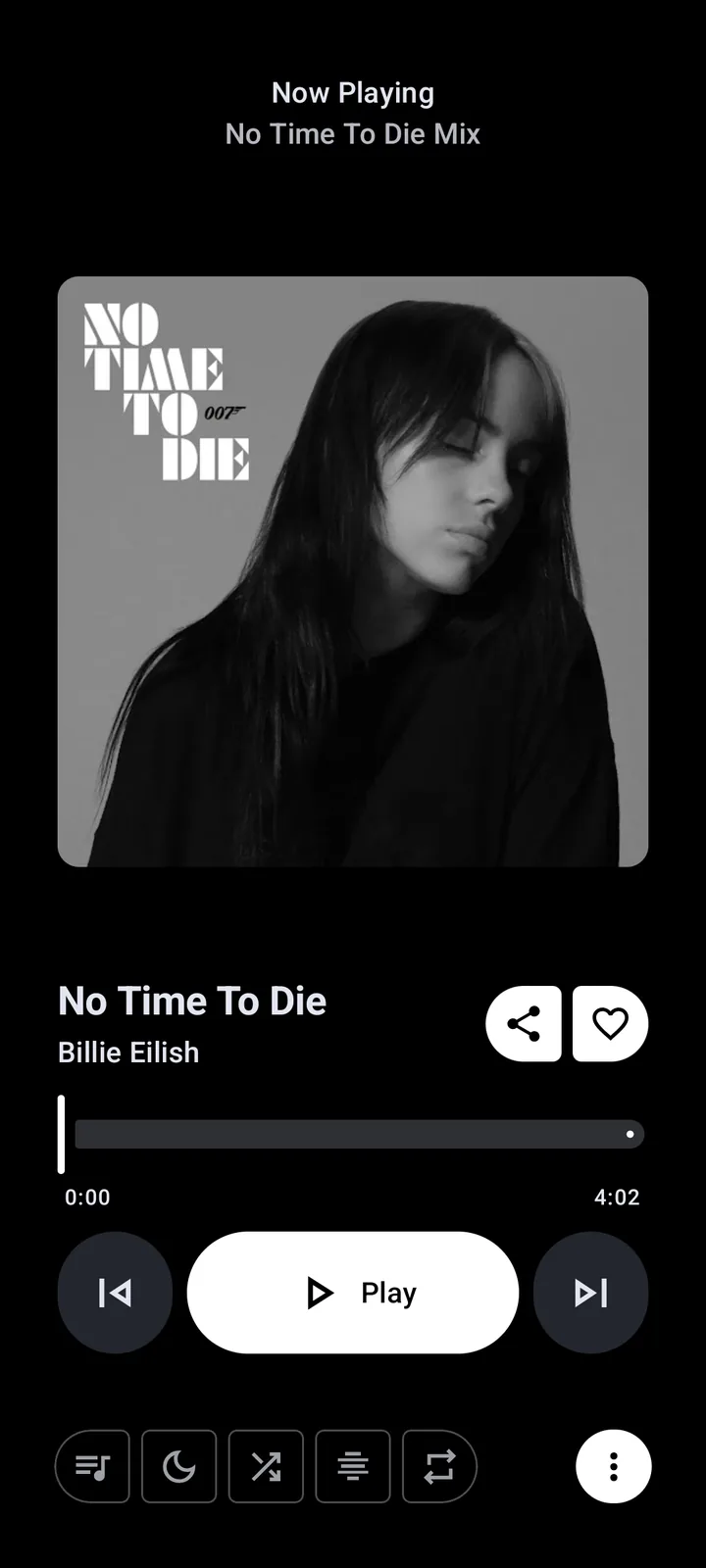
Use MetroList Without Turning the Dashboard into a Phone
Android Auto limits are intentional. Do not try to unlock full phone mirroring, video playback, long text entry, or complex settings while driving. MetroList is a music client, and its safest role in the car is to provide a prepared library, reliable playback, and a few low-attention actions.
Prepare playlists, downloads, account changes, and troubleshooting before the trip. Voice control support can vary, so test it while parked and keep a normal vehicle audio fallback available. If an action requires repeated taps or reading a long list, stop safely before continuing.
- Prepare first — Build playlists and confirm playback before moving.
- Use large actions — Prefer play, pause, skip, and saved browsing categories.
- Avoid unofficial unlocks — Do not install repackaged APKs promising video or unrestricted dashboard mirroring.
- Keep the road primary — Pull over if setup, sign-in, or troubleshooting needs attention.
MetroList Not Showing or Working in Android Auto
Work from the phone outward. A missing car icon is usually a discovery, permission, version, or connection problem—not proof that the APK needs to be replaced by an unknown mod.
MetroList is missing from the app launcher
Update Android Auto, open MetroList on the phone, play one track, reconnect the vehicle, and check the Android Auto launcher customization list. Restart the phone and vehicle head unit if the media app list is stale.
The app appears but playback does not start
Disconnect the car and test the same song on the phone. Check network access, battery optimization, background restrictions, and media notification permission. If phone playback fails too, use the general MetroList troubleshooting guide.
Playlists or recommendations are empty
Open MetroList settings on the phone and review the Android Auto options. Enable recommended playlists when desired, refresh the library, and confirm the account or anonymous session can access the same content on the phone.
Quick-add does nothing
Select a target playlist in the MetroList Android Auto settings. The official strings include a specific no-target warning, so this is a configuration issue before it is a car compatibility issue.
Wireless audio disconnects
Test a wired data cable. If wired playback is stable, remove and recreate the vehicle pairing, update the phone and head unit, and disable aggressive battery saving for MetroList and Android Auto.
Verified MetroList Version and Download Notes
This download-site version check was refreshed on August 11, 2026. The official GitHub API reports v13.6.3, published August 7, 2026. Because the site previously showed v13.6.3, its version numbers, release dates, APK sizes, direct-download CTA, metadata, FAQ, and related guide references were synchronized before this guide was updated.
Use the official release page as the verification source. This site does not need to invent a separate direct-download URL: the standard GitHub asset is Metrolist.apk, while Metrolist-with-Google-Cast.apk is a separate variant. Recheck the release feed before installing because the word latest becomes stale as soon as a new release is published.
| Checked | August 11, 2026 |
|---|---|
| Latest stable version | v13.6.3 |
| Published | August 7, 2026 |
| Standard package | Metrolist.apk |
| Standard asset size | 24,146,395 bytes (about 23.0 MiB) |
| Platform | Android APK |
| Primary source | MetrolistGroup/Metrolist GitHub releases |
MetroList Android Auto FAQ
Official sources checked
- MetroList official repository — Source code, screenshots, feature settings, and project documentation.
- MetroList official releases — Stable version, publication date, APK names, sizes, and release notes.
- Android for Cars media guidance — Google documentation for car-compatible media browsing and playback experiences.