Metrolist Linux: How to Run the Android APK
MetroList is published as an Android app, not a native Linux package. This guide compares Waydroid, Android emulators, and the limits you should understand before installing anything.

In this guide
Is MetroList available for Linux?
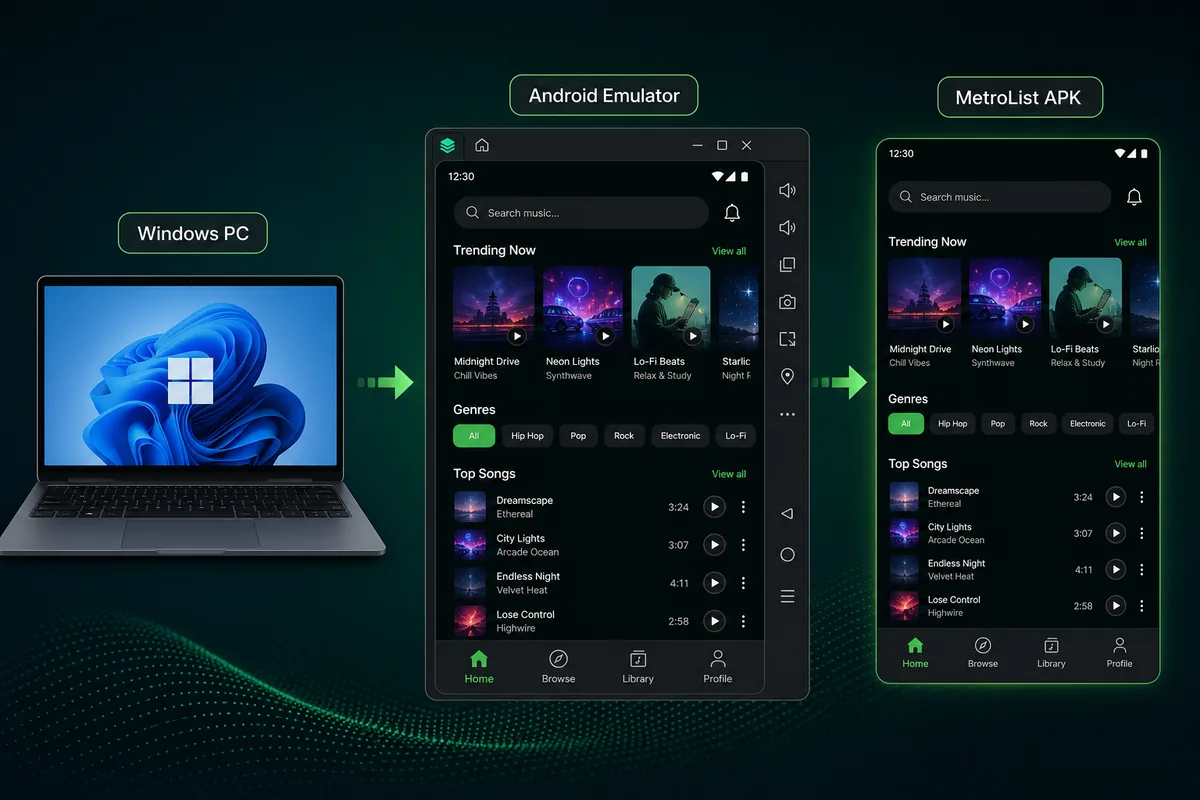
MetroList is currently distributed as an Android APK. The official project documentation and release assets checked for this guide list Android packages, not a native Linux executable. That means a search for “Metrolist Linux” should be treated as a compatibility question: the practical solution is to run Android in a Linux environment, not to download a Linux build from an unverified mirror.
On a modern Linux desktop, Waydroid is usually the closest match to a native experience because it runs an Android system container alongside Linux. An Android emulator is easier to understand for some users and can be useful when Waydroid does not support a particular graphics stack. Both approaches add another operating system layer, so audio routing, files, notifications, and background playback need their own tests.
The safe boundary
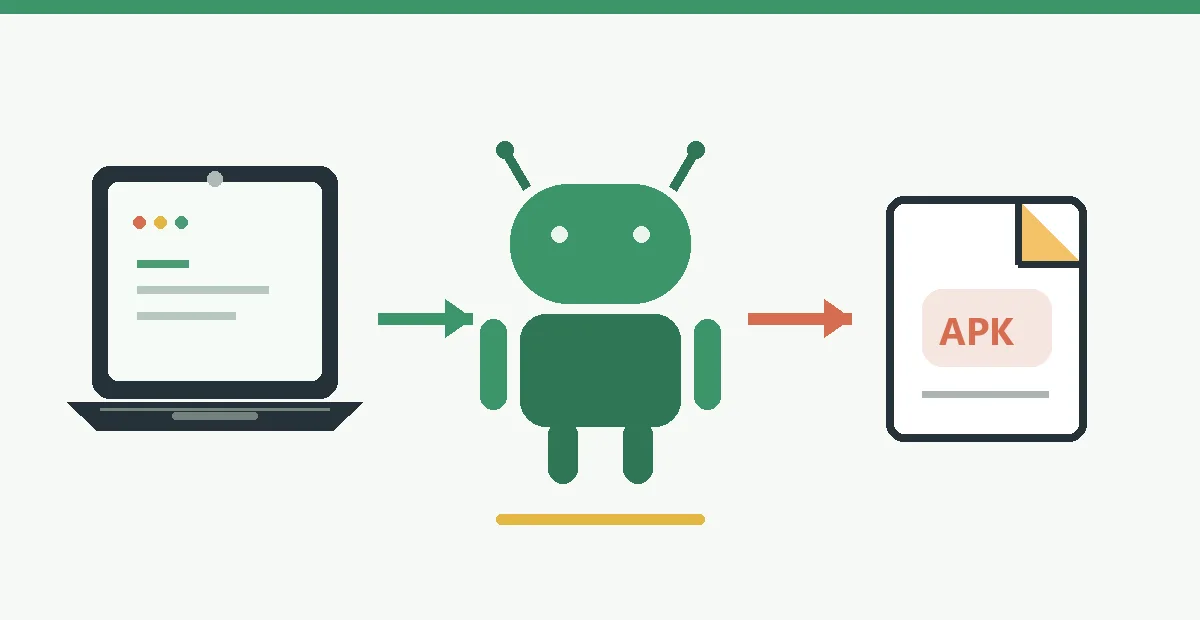
Use Linux as the host system and Android as the runtime. Keep the official APK and the Android runtime separate from your Linux package manager, and remove a download if its file type or source cannot be traced to the official release page.
What you need before running MetroList on Linux
The exact requirements vary by distribution and graphics driver. Check these basics before spending time on installation:
| Item | Practical baseline | Why it matters |
|---|---|---|
| 64-bit Linux | A current Ubuntu, Fedora, Debian, Arch, or compatible derivative | Waydroid and current emulator builds expect a maintained 64-bit userspace. |
| Kernel and container support | A kernel with binder and shared-memory support, or the runtime's documented equivalent | Android containers need IPC and memory interfaces that a minimal or old kernel may not expose. |
| Memory | 8 GB RAM is a comfortable starting point | Linux, the Android runtime, browser tabs, and audio caching all compete for memory. |
| Graphics | Working Mesa or vendor drivers with hardware acceleration | Software rendering can make scrolling, artwork, and playback controls feel unstable. |
How to install MetroList on Linux
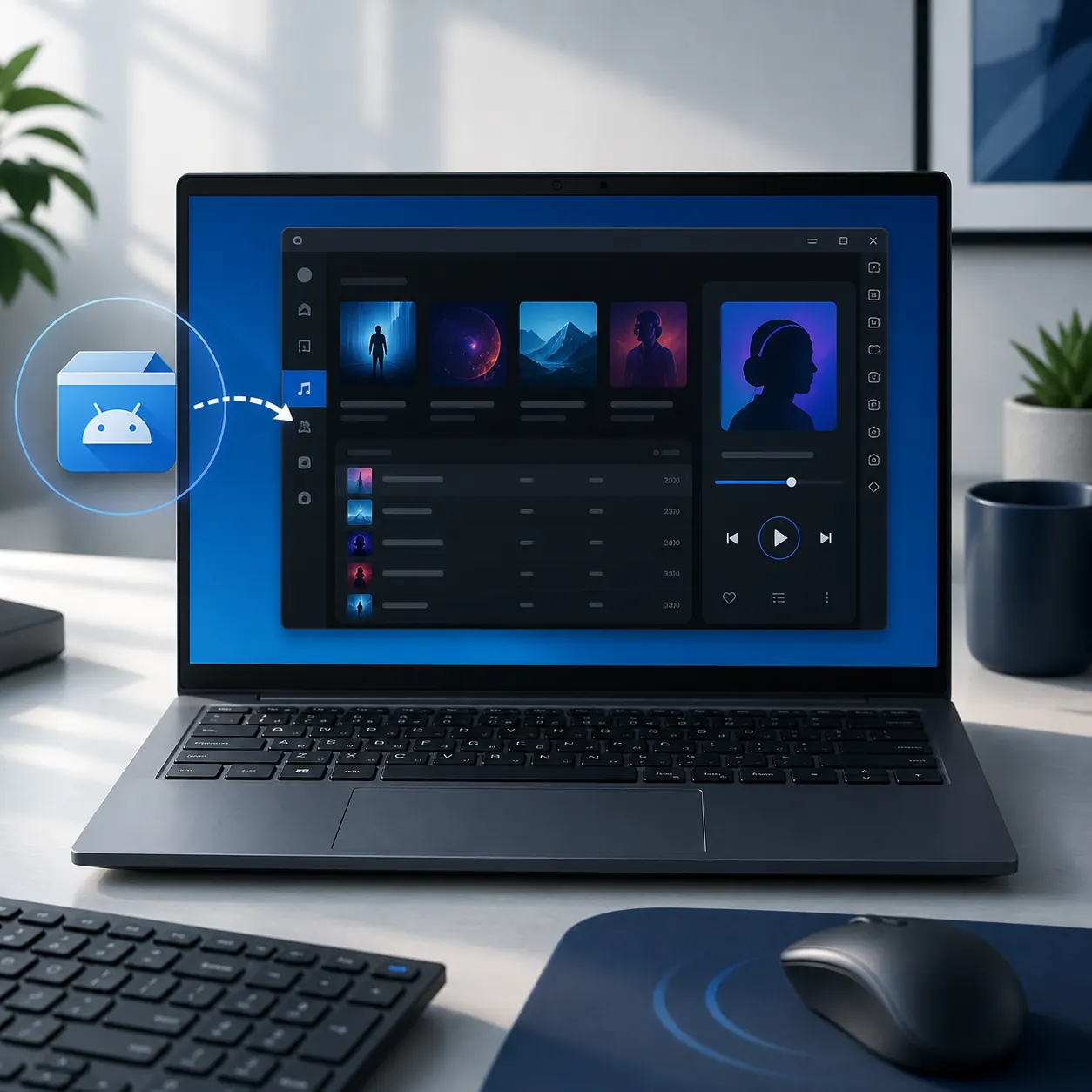
The commands differ by distribution, but the decision order is the same. Keep a rollback path and test a single track before importing a large library.
1. Confirm the official platform boundary
Open the MetroList repository and releases page first. Confirm that the current release is an Android APK and that no official Linux package has been published. This prevents a fake DEB or AppImage from becoming the starting point for your setup.
2. Choose Waydroid or an emulator
Use Waydroid when your distribution, kernel, and graphics stack meet its documentation. Choose an emulator when you prefer a self-contained virtual device, need easier snapshots, or are troubleshooting a Waydroid-specific problem.
3. Prepare the Android runtime
Install the runtime from its official project instructions, not from a random shell script copied from a download page. Reboot if the documentation requires it, then launch a clean Android session before adding MetroList.
4. Download the matching APK
Use the stable Metrolist.apk asset from the verified v13.7.0 release page, or recheck the official page when you install later. Do not rename a Windows installer, use a mod package, or treat an APK mirror as the official Linux build.
5. Install and test one track
Sideload the APK using the runtime's documented install command or interface. Open MetroList, allow only the permissions you understand, search for one track, and confirm that audio reaches the correct Linux output device.
Waydroid or an Android emulator for Linux?
Neither option creates a native Linux app. The better choice depends on how much integration and isolation you want:
| Option | Best fit | Trade-off |
|---|---|---|
| Waydroid | Linux users who want Android windows to feel part of the desktop | It depends on kernel, binder, graphics, and session integration details. |
| Android Studio Emulator | Developers or advanced users who want official Android tooling | The setup is heavier and less convenient for an everyday music session. |
| A general Android emulator | Users who want a guided virtual device and snapshots | Performance, networking, and licensing vary by project, so use the official download page. |
Download MetroList Linux files safely
The word Linux in a page title does not prove that a file is an official build. Compare the file type, source, and release tag before installing:
| Search result or file | Safer interpretation | Avoid |
|---|---|---|
| MetroList Linux APK | An Android package that can be installed inside Waydroid or an emulator | A mirror that hides the release tag or adds a modified suffix. |
| MetroList Linux DEB, RPM, or AppImage | No official package was listed in the checked v13.7.0 release | Installing a package simply because it uses the MetroList name or logo. |
| MetroList Linux premium or unlocked | A risk signal rather than a supported edition | Survey gates, password archives, bundled downloaders, and requests to disable security tools. |
The stable release page is the durable source because it shows the tag, APK filename, asset size, and release notes together. The direct file URL can change when a future tag is published, so open the release page again instead of bookmarking a random mirror or copying a temporary redirect.
Recommended settings for MetroList on Linux
Once the first track plays, make the environment predictable before adding optional features. A clean test is more useful than a long list of tweaks because it tells you which layer owns a failure.
Treat the Android runtime as its own device. Give it enough memory, use a known audio output, and keep its shared folders narrow. If you later move between distributions or kernels, repeat the one-track test before restoring a large cache.
- Use hardware acceleration - Prefer the documented GPU path for your driver. If the runtime falls back to software rendering, fix the driver before blaming MetroList for slow artwork or controls.
- Keep audio routing explicit - Select one Linux output in the host mixer and one Android output in the runtime. Check mute states before reinstalling the APK.
- Limit shared storage - Expose only the folder you need for imports or offline files. A narrow mount reduces accidental access and makes cleanup easier.
- Test background behavior - Lock the virtual device or minimize it for a few minutes. If playback stops, inspect Android battery rules and the runtime session before changing the app.
MetroList Linux troubleshooting
Separate host, Android runtime, and app symptoms before changing files:
Waydroid does not start
Check the distribution version, kernel interfaces, session service, and graphics driver against Waydroid's own documentation. A container startup error is not fixed by downloading another MetroList APK.
The APK will not install
Confirm that the download is complete and that the runtime accepts the APK architecture. Compare the filename and checksum information on the official release page, then download again if the file is incomplete.
The app opens but audio is silent
Test another Android app, inspect the host mixer, and verify the runtime output. If other apps play correctly, check MetroList playback and network settings before reinstalling.
Limits, privacy, and compatibility notes
Running MetroList on Linux is a compatibility setup, not a native port. Android Auto integrations, phone sensors, notification actions, and some background rules may behave differently or may not be useful on a desktop. If you need the simplest supported playback path, a physical Android device remains easier to maintain.
Waydroid and emulators add another system that can access network, audio, storage, and account state. Read the runtime permissions, keep shared folders small, and remove an installation you no longer use. MetroList's open-source repository helps you inspect project direction, but it does not make an unverified mirror safe.
A Linux guide should also be honest about unsupported promises. Do not describe the APK as a native DEB, claim that every distribution is compatible, or guarantee that a future release will preserve the same container behavior. Recheck the official release notes and your runtime documentation when you update.
MetroList Linux FAQ
Official resources checked
- MetroList GitHub repository - Project scope, supported platform, source code, and documentation.
- MetroList v13.7.0 release - Release tag, APK filenames, sizes, notes, and the checked publication date.
- Waydroid documentation - Current installation and host compatibility requirements for Android containers on Linux.