Metrolist KMP: Alpha Status, Features, and How to Try It
Metrolist KMP is the project's Kotlin Multiplatform alpha direction. It is experimental, not a replacement for the stable Android APK or a verified desktop download.


In this guide
What Is Metrolist KMP?
Metrolist KMP refers to Kotlin Multiplatform work in the Metrolist project. Kotlin Multiplatform can share selected code across targets, but the label does not prove a finished public app is ready for daily use. Here, KMP is an experimental path, not a normal APK category.
Search results may mix the stable Android app, Nightly artifacts, unofficial mirrors, and guesses about desktop support. KMP does not prove a signed Windows installer, Linux package, iPhone build, or public APK exists.
The official v13.7.0 context is the useful anchor: stable Android remains practical, while the notes describe KMP as alpha and point testers to Discord and a small donation requirement. That is a trial path, not production support.
What KMP is not
KMP is not a verified native PC product, a replacement for the standard Android APK, or permission to install an unknown file labelled 'Metrolist KMP'.
What the KMP Direction Could Change
The appeal of KMP is architectural: shared code may carry selected library rules, playback state, or settings between targets. That is a development benefit, not a feature list to assume today.
The practical test is whether the project has published a package for your device, documented prerequisites, and explained bug reporting. Until then, treat KMP as early access with incomplete compatibility.
- Shared development direction — KMP can help a project reuse selected logic across targets, but shared code does not remove platform-specific work for audio, storage, permissions, or distribution.
- Early testing — Alpha testers may see incomplete screens, missing features, unstable playback, or setup steps that change as the project learns from feedback.
- Separate release identity — A KMP build should be verified by its official instructions, package identity, signing context, and supported target rather than by a filename copied to a mirror.
- Community-led access — The v13.7.0 notes direct interested testers to the official Discord path and a minimum donation, so access may not look like a public one-click APK download.
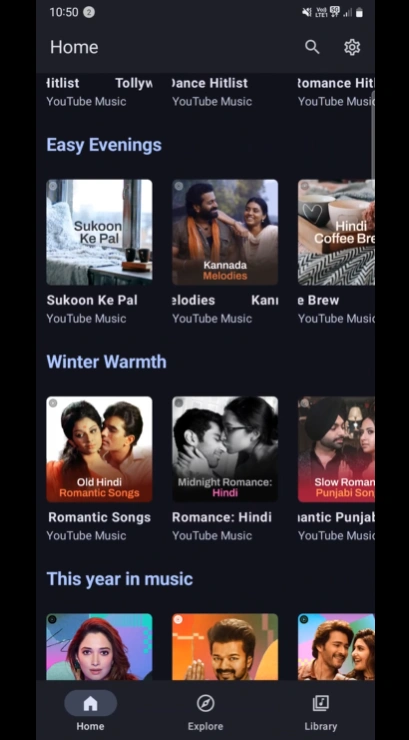
For the stable Android app itself, start with the MetroList app guide.
Stable MetroList APK vs Metrolist KMP Alpha
Separate release channels before clicking anything. The stable APK has a tagged GitHub release and named Android asset. KMP is an alpha direction whose tester path is described through official communication, not a verified public KMP file in the checked metadata.
Nightly is a different pre-release channel. Do not relabel a Nightly artifact as KMP or treat KMP discussion as proof of desktop support.
| Question | Stable v13.7.0 APK | Metrolist KMP |
|---|---|---|
| Primary role | Everyday Android music app | Experimental cross-platform direction |
| Status | Tagged stable release | Alpha |
| Verified file in this check | Metrolist.apk | No public KMP APK claimed |
| Best source | Official GitHub release page | Official release notes and project Discord instructions |
| Who should choose it | Users who need a working Android route | Testers comfortable with changing support and feedback steps |
| What it does not prove | It is not a native desktop app | It is not a ready-made Windows, Linux, iOS, or macOS installer |
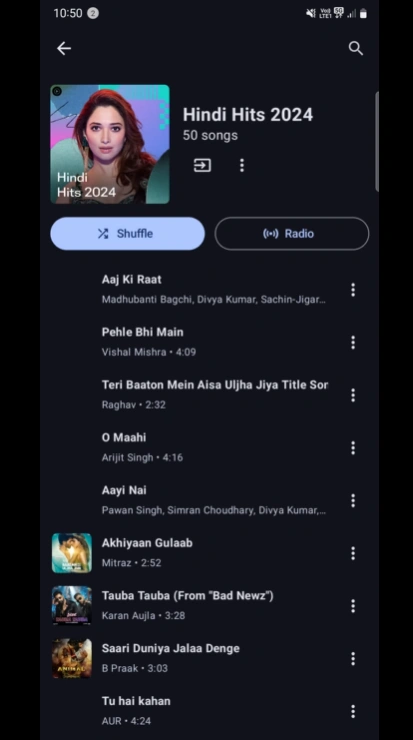
How to Try Metrolist KMP Responsibly
Trying an alpha build is a testing project, not a routine update. Before joining, decide whether you can recover playlists, settings, and daily listening if it fails. A spare device is better than your only phone.
Use the official project channel for current eligibility and access steps. Do not infer a download link from a screenshot or third-party post; check the project identity because alpha access can change.
When you receive a supported package, record its version, target, package name, device, Android version, and smallest repeatable error. Preserve that evidence instead of switching mirrors.
- Read the current release notes — Start with the official MetrolistGroup/Metrolist release context and confirm that the KMP instructions are still current.
- Use the official tester route — Follow the project Discord and donation guidance stated by the release notes; do not invent a public KMP APK URL.
- Prepare a recovery path — Back up important playlists and settings, keep the stable Android release available, and avoid making an alpha build your only music app.
- Confirm target and package — Check the supported operating system, package identity, signing behavior, and required permissions before installing.
- Test one workflow at a time — Try launch, search, playback, queue, background audio, lyrics, and offline behavior separately so a failure has a clear boundary.
- Report with useful context — Record build source, device, OS, network, account state, exact error, and the smallest repeatable steps.
Do not confuse testing with support
An alpha tester may help the project find bugs, but the project may not provide stable guarantees, complete documentation, or instant recovery for every device.
v13.7.0 Release and Download Checks
The official release checked here is Metrolist v13.7.0, published September 7, 2026. Its standard Android asset is Metrolist.apk at 26,872,306 bytes, about 25.6 MiB. Those facts identify the stable route; they do not make it a KMP build.
For most readers, use the official release page. The stable asset URL is available, but the release page is the durable place to recheck tags, variants, notes, and later updates. No KMP APK link is published because the checked first-party context provided no verified public asset.
Treat claims such as 'Metrolist KMP for Windows', 'KMP Linux APK', or a ready-made iOS package as unverified until the project documents the target and distribution.
| Field | Verified stable-release detail | KMP implication |
|---|---|---|
| Checked source | MetrolistGroup/Metrolist GitHub release | Use the same project identity for KMP claims |
| Release tag | v13.7.0 | Stable reference, not a KMP version label |
| Published | September 7, 2026 | Recheck before installing later |
| Standard asset | Metrolist.apk | No public KMP APK asserted here |
| Size | 26,872,306 bytes / about 25.6 MiB | Do not apply this size to an unverified KMP file |
| Platform | Android APK | No native desktop or iOS support implied |
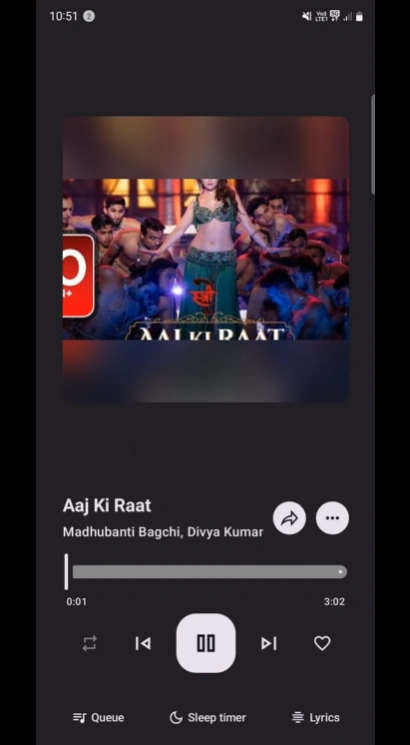
Release facts checked September 13, 2026 from the official v13.7.0 release.
KMP Limits, Compatibility, and Safety Boundaries
Kotlin Multiplatform does not make every feature identical on every target. Audio focus, background playback, file access, notifications, lyrics, and offline storage still depend on platform services.
Alpha software can have unfinished screens, withdrawn packages, changing login flows, or test requirements. Keep stable v13.7.0 as your recovery point and do not uninstall it until the tester instructions explain rollback.
Open source and an official name do not make every mirror trustworthy. Avoid repacked APKs, password archives, EXE installers, browser extensions, and forms requesting a Google password. If a KMP claim cannot be traced to the project, it is unverified.
- No assumed desktop support — KMP discussion is not proof of a supported Windows, Linux, macOS, or iOS download.
- No assumed parallel install — Confirm package and signing behavior before attempting to keep alpha and stable builds together.
- No assumed feature parity — Playback, lyrics, offline cache, Android Auto, and account behavior may differ by target and build.
- No credential shortcuts — Use only project-documented authentication flows and inspect the domain before entering a password.
If you are troubleshooting the stable Android app rather than testing KMP, use the MetroList troubleshooting guide for a narrower diagnostic path.
Metrolist KMP FAQ
Official sources checked
- Metrolist v13.7.0 official release — Stable tag, publication date, release notes, KMP alpha context, and listed assets.
- Metrolist official repository — Project identity, source context, issues, and current development information.
- Full v13.7.0 changelog — First-party comparison reference for the stable release change set.
Verified September 13, 2026