Metrolist Update 13.7.0: What Changed and How to Update Safely
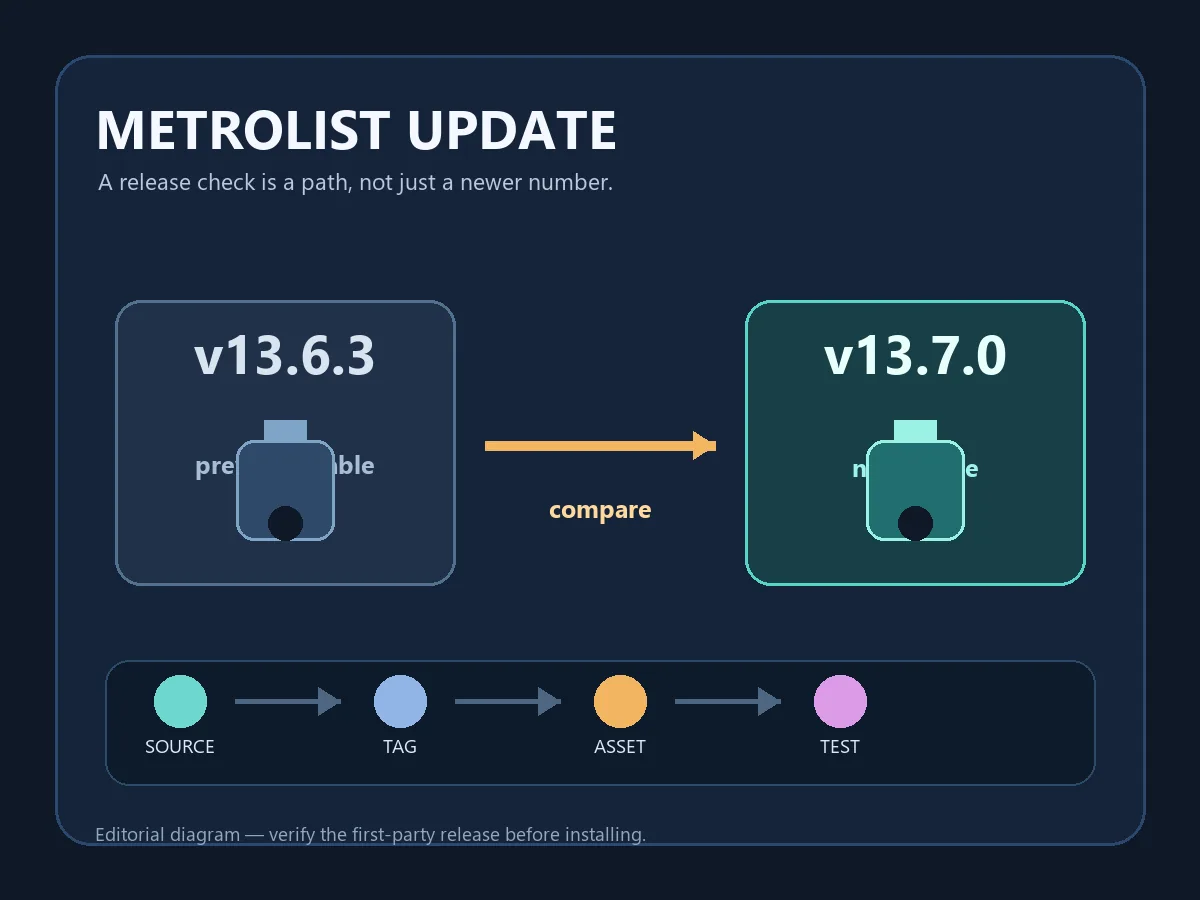
The official Metrolist project published v13.7.0 on September 7, 2026. This guide explains the release notes, verified package facts, safe update steps, and the boundary between stable and Nightly builds.

In this guide
What Is the Metrolist 13.7.0 Update?
Metrolist 13.7.0 is the latest stable release in the first-party record checked for this page. It is an Android music app update, not a Windows installer, iPhone package, or premium mod. The release combines visible features with reliability work behind the scenes.
Read the notes by outcome. Android Auto users, large-library users, people who cache songs, and listeners with login or playback issues have more reason to test this release. If your current installation is stable, keep a recovery plan and test one workflow at a time. The existing download guide covers general installation, while the troubleshooting guide covers failures after an update.
What this page does not promise
Release notes describe project changes; they do not guarantee identical behavior on every Android version, account, network, device, or region.
Metrolist v13.7.0 Release Highlights
The official notes group changes across networking, performance, accounts, playback, and compatibility. This table turns those groups into practical checks without promising that every phone will behave identically.
| Area | What v13.7.0 changes | Who may notice it |
|---|---|---|
| Networking | Uses InnerTubeX with automatic client fallback. | Listeners with intermittent source or playback failures. |
| Libraries | Reduces memory use and background work in libraries, cache, Android Auto, and audio processing. | Large collections and older devices. |
| Accounts and sync | Improves login, uploads, downloads, metadata editing, and playlist sync. | Signed-in users with synced libraries. |
| Playback | Improves recovery and addresses queue, crossfade, normalization, and media-control issues. | People using queues or background playback. |
| Compatibility | Repairs older-version upgrades and restores x86 and x86_64 support. | Upgraders and emulator users. |
New Features in Metrolist 13.7.0
Most additions are focused workflow improvements rather than a completely new app. Treat them as targeted tests after updating. The notes also mention Metrolist-KMP as an alpha path; keep that experimental artifact separate from the tagged stable Android APK and from GitHub Actions builds.
- Playlist placement — Choose whether a newly added song goes at the start or end of a playlist; test on a small list first.
- Playback reports — Detailed, copyable reports make it easier to describe a reproducible playback failure.
- Update prompt — A unified prompt points users toward updates, but it is still worth checking the tag and asset yourself.
- Lyrics — Zemer lyrics and improved lyric translation expand coverage, although results depend on track, source, language, and network.
- x86 support — Restored universal x86 and x86_64 support can help emulator users; emulator performance remains a separate setup issue.
Fixes and Performance Changes to Test
The largest part of v13.7.0 is reliability work. InnerTubeX fallback and lower memory use matter when the app opens normally but fails later during playback, library loading, caching, or Android Auto browsing. The release also addresses older-version upgrades, artist metadata, artwork, timed and Cyrillic lyrics, manual edits, queue endings, crossfade, normalization, media controls, startup crashes, and uploaded-song handling.
- Upgrade path — Check library and account state before clearing data. A repaired upgrade helps only if you preserve the data you still need.
- Android Auto — After phone playback works, test browsing, selection, pause, resume, and queue return while parked.
- Artwork and lyrics — Check a track with artwork, a timed lyric, and non-Latin text; one missing result may be source-specific.
- Queue and crossfade — Test repeat, shuffle, crossfade, and a queue that reaches its last item instead of checking only app launch.
- Sync and recovery — Confirm local likes and edits after the first refresh, and copy the new error report before trying another APK.
How to Update Metrolist Safely
Treat an update as a controlled change. Record the version you are replacing, keep the official release page as your source, and protect important playlists or local settings. You normally do not need to uninstall first. The standard asset is Metrolist.apk and official metadata lists 26,872,306 bytes. This machine could not live-check the redirected binary, so this page links to the release page instead of an unverified direct file URL.
- Record your starting point — Note the current version, Android version, device, account state, and whether local playlists or offline saves matter.
- Open the first-party release — Use the MetrolistGroup/Metrolist v13.7.0 page, not a mirror title, search ad, or copied button.
- Match the asset — For normal Android, compare the v13.7.0 tag, filename Metrolist.apk, APK type, and listed size.
- Install over the existing package — Let Android check the package identity. If the signature does not match, stop instead of forcing a replacement.
- Run a smoke test — Open the library, play a known song, test background playback, open a playlist, then check lyrics or downloads.
Do not clear data as the first fix
Cache cleanup and deleting app data are different actions. Protect playlists, settings, and offline state before a destructive troubleshooting step.
How to Verify the Metrolist 13.7.0 Release
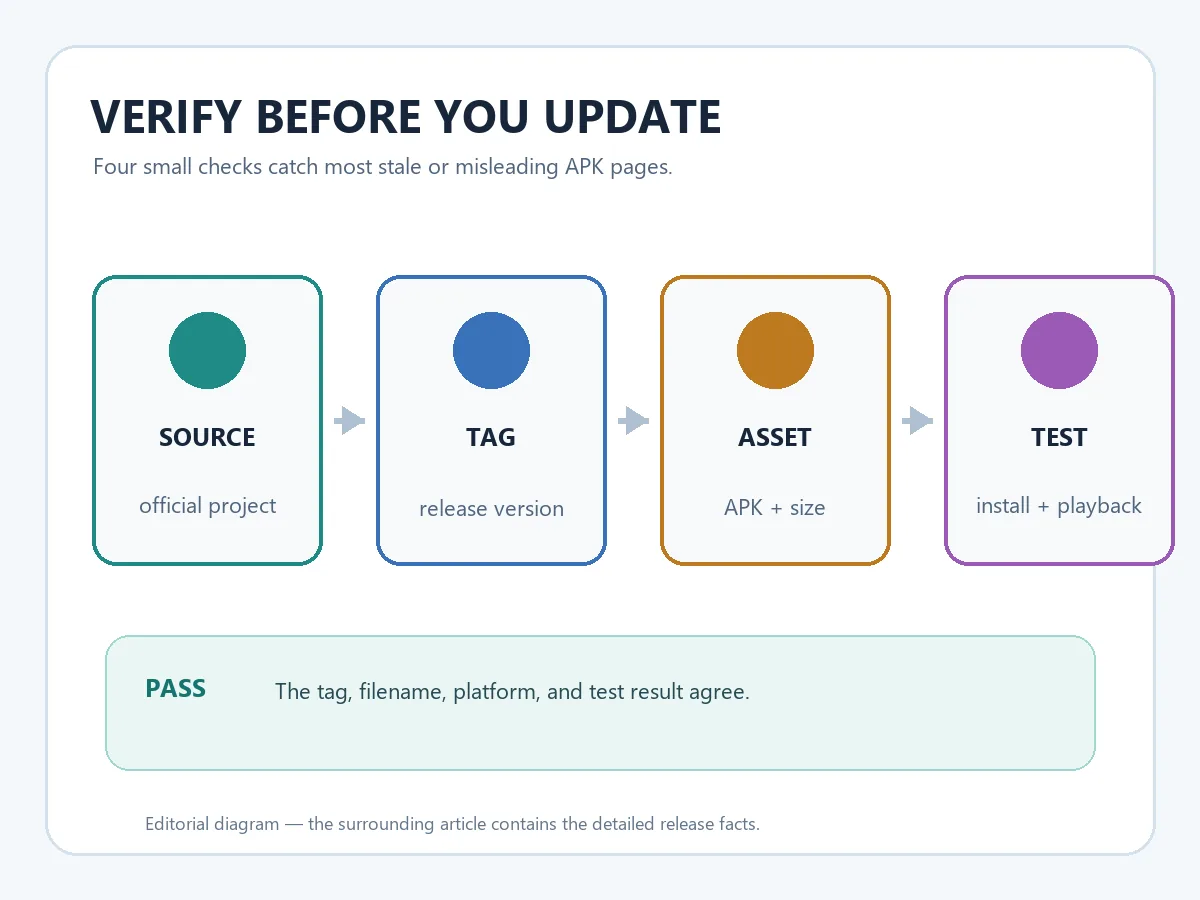
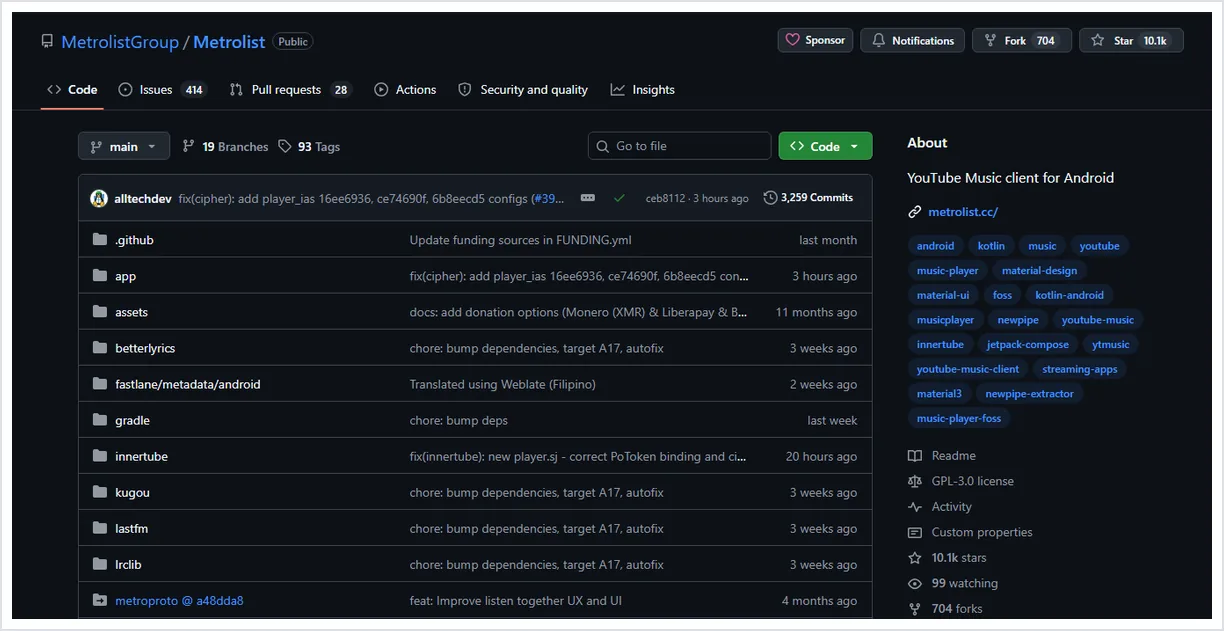
A page can say latest update without being connected to the real project. The reliable evidence chain is short: identify the first-party owner, open the tag, match the asset name, compare platform and size, and keep the release page as your durable bookmark. If one part disagrees, stop before installing.
For v13.7.0, the official record names tag v13.7.0, marks it stable, lists Metrolist.apk beside Cast and Izzy variants, and records the standard asset at 26,872,306 bytes. It was published September 7, 2026. These facts identify the release; they do not prove that every mirror or device will behave the same.
| Check | Expected v13.7.0 evidence | If it does not match |
|---|---|---|
| Owner | MetrolistGroup/Metrolist first-party project | Do not assume a similarly named fork is official. |
| Release tag | v13.7.0, published September 7, 2026 | Wait until official history agrees. |
| Standard asset | Metrolist.apk for Android | Reject EXE, IPA, browser extension, or archive claims. |
| Asset size | 26,872,306 bytes | Use the release page instead of a rounded mirror size. |
| Download path | Official GitHub release page | Use the page fallback when a temporary CDN link cannot be checked. |
For a deeper source and asset check, read the MetroList GitHub verification guide.
Should You Update to Metrolist 13.7.0 Now?
There is no universal yes or no. Update sooner if you have an older build, playback or login trouble, an Android Auto issue, queue or crossfade problems, or an emulator that needs x86 support. Waiting can be reasonable when your offline library is difficult to rebuild or you cannot test the app soon.
Waiting does not mean installing an older random APK. Keep the official release page, back up what matters, and separate stable v13.7.0 from the Nightly channel. If one song fails after updating, use the troubleshooting guide rather than turning this release page into a second support article.
| Your situation | Reasonable choice | First check |
|---|---|---|
| Older APK with problems | Update after a small backup | Official tag, asset, and playback. |
| Large library or offline saves | Update when recovery time is available | Local data, storage, and sync. |
| Stable daily phone | Update deliberately, not urgently | Release notes and rollback reference. |
| Need a development fix | Compare stable with Nightly separately | Official workflow and artifact context. |
- Back up hard-to-replace data — Playlists, settings notes, and a list of important offline items matter more than a screenshot of a version number.
- Test your real workflow — A successful launch is not enough if you rely on Android Auto, queues, lyrics, uploads, or background playback.
- Report with evidence — Record version, track, network, device, and reproduction steps with the copyable playback report.
Metrolist Update FAQ
Official sources checked
- Metrolist v13.7.0 official release — Release tag, publication date, highlights, and asset metadata.
- Metrolist official repository — Project identity, source context, issues, and platform information.
- Full v13.7.0 changelog — First-party comparison reference for the release change set.
Verified September 13, 2026