MetroList Android TV: Does It Work? Safe Setup and Limits
MetroList is published as an Android music app, but Android TV compatibility is a separate question. This guide explains what is verified, what sideloading can and cannot prove, and how to avoid fake TV installers.
In this guide
Does MetroList Work on Android TV?
The careful answer is: there is no verified official native MetroList Android TV application in the current first-party release channel. MetroList is published as an Android music client with APK assets, while the official project discussions treat Android TV support as an open compatibility question or feature request. That is different from a product page that promises a TV-ready build.
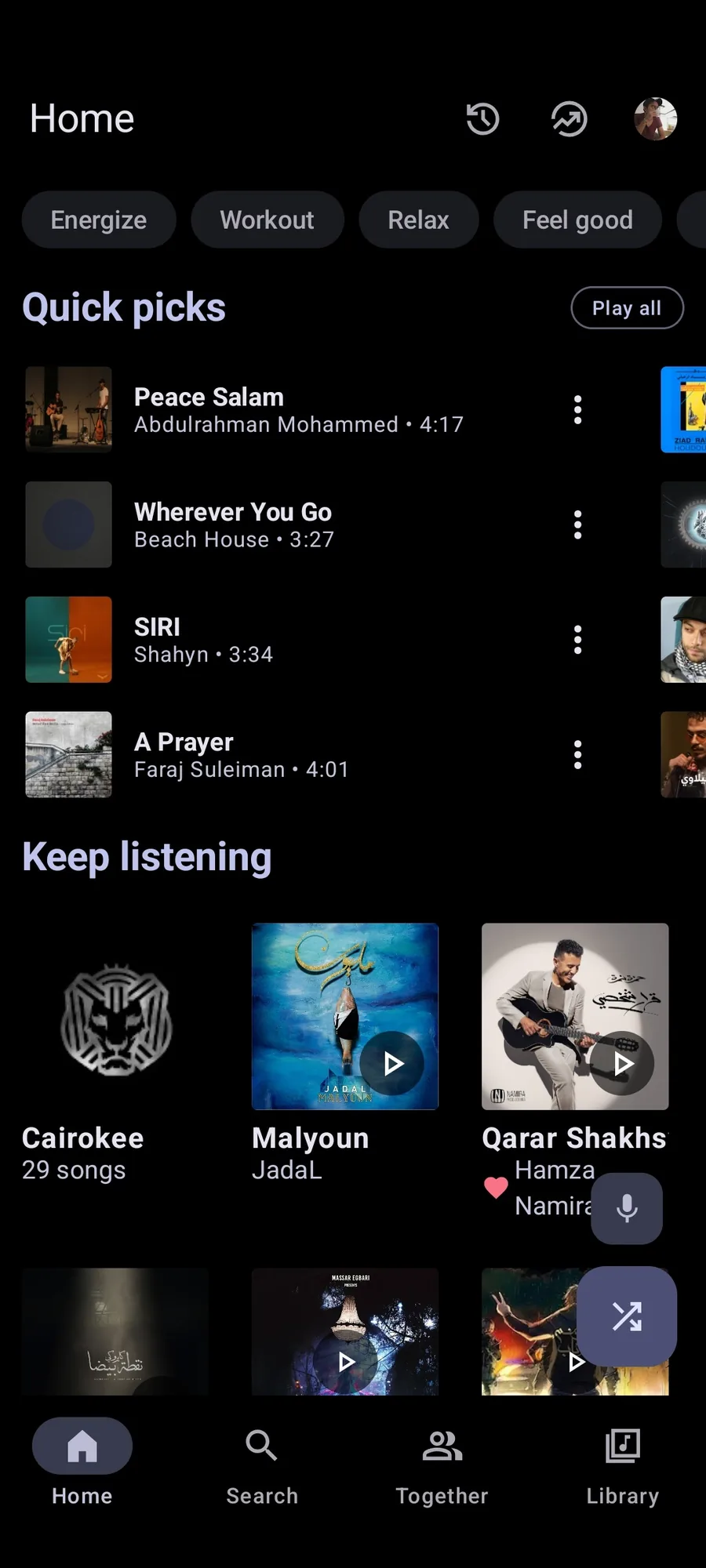
Some Android TV and Google TV devices can install ordinary Android APK files. If the package installs, the app may open and play audio, but that does not prove that its screens are designed for a ten-foot interface. A phone-first layout can be difficult to navigate with a remote, fail to appear in the TV launcher, or require a connected mouse, gamepad, or phone for the first setup.
For that reason, this page separates three claims: whether the APK can be installed, whether the app is usable with a TV remote, and whether the project officially supports Android TV. Only the first claim is something a device-specific test may answer. The latter two require current project evidence and may change with releases.
Native Android TV App, Sideloaded APK, or Google Cast?
Search results often combine these three ideas. A native Android TV app normally declares TV support, provides lean-back navigation, exposes TV launcher metadata, and is tested with a directional remote. A sideloaded phone APK simply places an Android package on the device; it can work, work partially, or be awkward without changing into a TV app.
Google Cast is a separate path. A Cast-enabled release variant can help send playback to a compatible receiver, but a Cast asset is not proof that MetroList has a native Android TV interface. If your goal is to control playback from a phone and watch or listen through a receiver, read the release notes for that specific variant. If your goal is a TV-native library and remote-first player, look for an official TV declaration or project announcement instead.
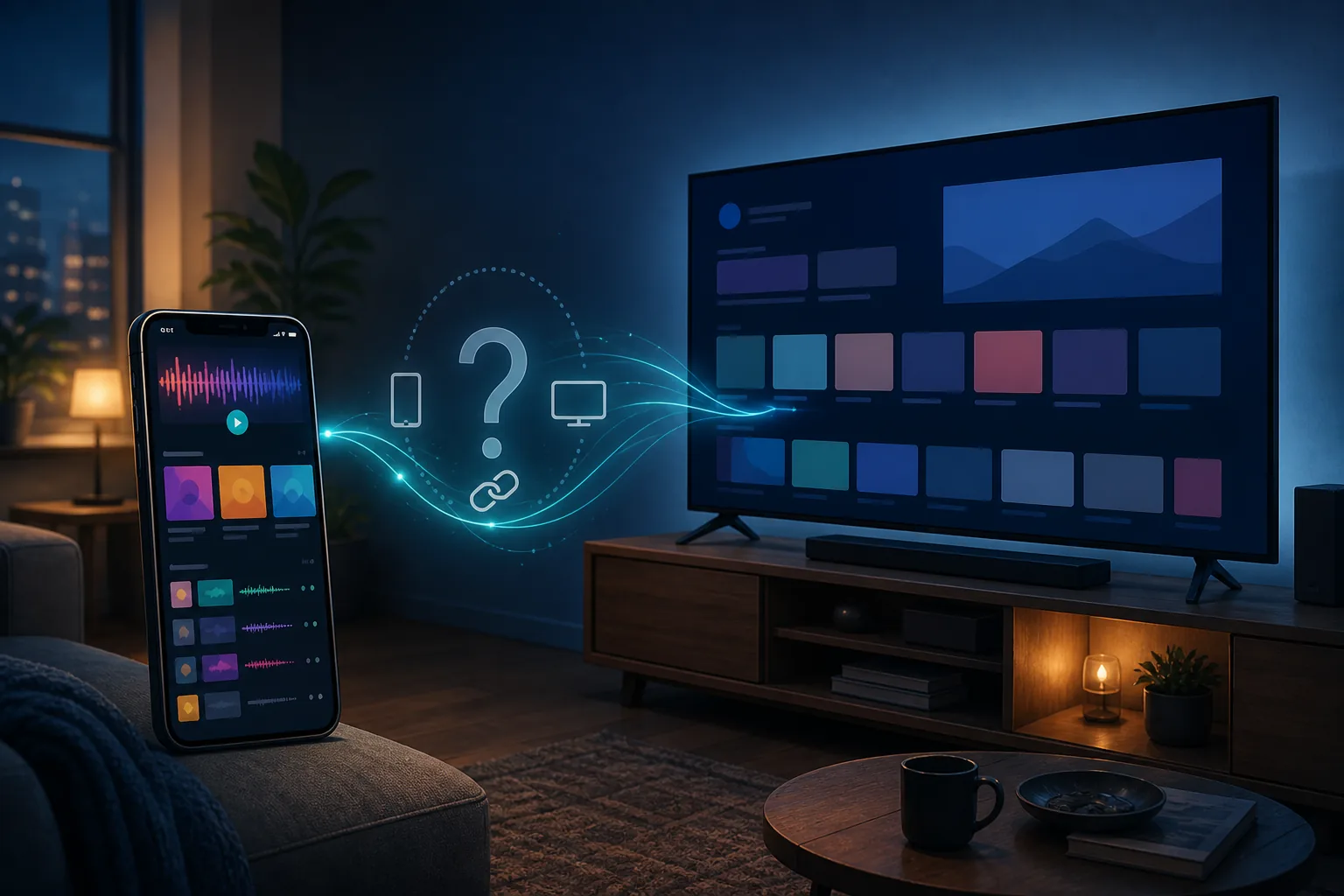
What Can Work on an Android TV Device?
The result depends on the TV firmware, Android version, input method, and MetroList build. A certified Google TV device may behave differently from a generic Android TV box. A package that opens after USB transfer can still have missing icons, clipped touch-only controls, or no convenient way to search and select music with the remote.
Use the matrix below to set the right expectation before downloading anything. It is intentionally conservative: a possible sideload is not described as official compatibility.
| Goal | What may happen | How to interpret it |
|---|---|---|
| Install the standard APK | The TV may accept or reject the package. | Device compatibility only; not a support promise. |
| Open the MetroList library | The app may launch with a phone-oriented layout. | Check text size, focus states, and remote navigation. |
| Play music | Audio may work if the app and service load correctly. | Test pause, seek, queue, and return-to-app controls. |
| Use only the TV remote | Touch-first screens may be difficult or impossible. | A mouse or phone can be a workaround, not a TV UX guarantee. |
| Use Google Cast | A compatible receiver may accept a Cast session. | Cast support is separate from a native TV app. |
| Get automatic TV updates | A sideloaded APK normally needs manual checking. | Use the official release page and verify every update. |
Safer MetroList Android TV Sideloading Checklist
If you want to test MetroList on a compatible Android TV or Google TV device, keep the test reversible and use the official release source. Do not download an EXE, IPA, browser extension, password-protected ZIP, or so-called TV MOD build because a page uses the phrase MetroList Android TV.
The steps below are a verification workflow, not a guarantee that the app will be comfortable or stable on your television. Stop when a step does not match your device or when the file cannot be traced to the official project.
- Check the device — Confirm that the television or box actually runs Android TV or Google TV and record its Android version, storage, and available input methods.
- Open the first-party release — Use the official MetrolistGroup/Metrolist release page. The current checked stable tag is v13.6.3; recheck it because release numbers can change.
- Choose the right package — Start with the standard Metrolist.apk unless the release notes clearly explain why a separate Cast or architecture variant is needed.
- Transfer without a mirror — Move the APK to the device through a method you control, such as a USB drive or a trusted local transfer. Avoid survey gates and download managers.
- Review the installer — Enable installation from the chosen file manager only when needed, check the filename and version, and disable the permission again after the test if your device allows it.
- Test with low-risk data — Open the app, check remote focus, playback, search, queue, and exit behavior before signing in or relying on offline music. Remove the package if navigation is unusable.
How to Verify a MetroList TV Download
A TV-shaped button is not evidence that a file is an official Android TV build. The useful evidence chain is the same as for any APK: identify the maintainer, match the release tag, match the asset name, compare the release metadata, and keep the durable release page as the fallback when a CDN download cannot be checked from your network.
For this page, the official GitHub API check on August 18, 2026 still returned v13.6.3, published on August 7, 2026. The standard Metrolist.apk asset is listed as 24,146,395 bytes and the source is a GitHub release asset. The release page is the recommended CTA here because the local network could not complete a HEAD probe to the redirected asset host; the page does not claim that a live file response was verified from this machine.
That distinction matters on download sites. If a mirror shows a newer number but cannot connect it to the official release, treat the number as unverified. If a page offers a TV-only package that is absent from the release assets, do not assume it is a special official build.
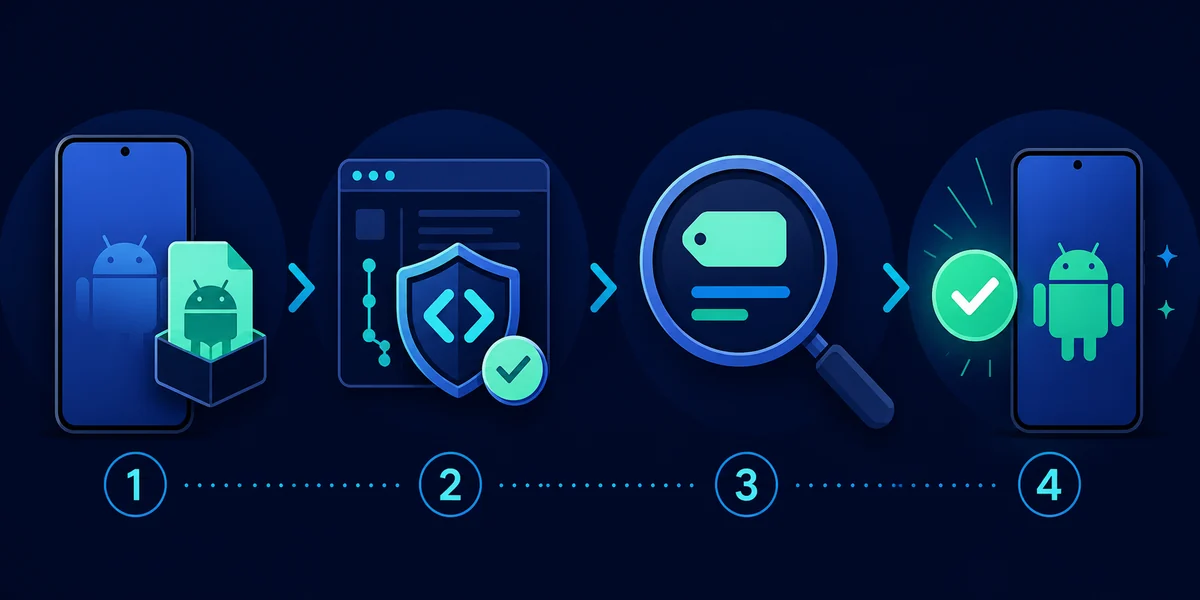
- Source — The repository and release page should identify MetrolistGroup/Metrolist or a clearly documented first-party successor.
- Tag — Match the visible release tag to the version named in the article and on the device.
- Asset — Confirm that the standard package is Metrolist.apk or that a variant is explicitly described by the release.
- Format — An APK is expected for Android. An EXE, IPA, browser extension, or encrypted archive is a different claim.
Verified MetroList Android TV Release Details
The version check comes before the compatibility advice because the behavior of a sideloaded package can change between releases. The table records the first-party facts checked for this page. It does not turn v13.6.3 into a promise of native Android TV support.
If a newer stable tag appears, update the version, release date, asset size, source link, and any setup screenshots before calling this page current. A TV compatibility article should never keep an old APK number merely because the TV test was written earlier.
| Field | Verified value |
|---|---|
| Check date | August 18, 2026 |
| Latest stable tag checked | v13.6.3 |
| Published | August 7, 2026 |
| Standard asset | Metrolist.apk |
| Asset size | 24,146,395 bytes (about 23.0 MiB) |
| Package type | Android APK |
| TV status | No verified native Android TV app in the current release evidence |
| Download CTA | Official GitHub release page fallback |
Limitations and Better Alternatives
The most common mistake is treating an Android TV sideload as a finished living-room product. If the remote cannot move focus, if the launcher hides the app, or if login and playback controls are too small, uninstall the test rather than chasing a modified package. A phone, tablet, or Android Auto workflow may be a better fit for MetroList's current interface.
For a large-screen computer setup, the MetroList for PC guide explains how an Android emulator changes the environment. For browser listening, the MetroList Web guide explains why a website using the MetroList name is not automatically an official player. For a simple TV experience, use a verified music service or a platform-supported Cast workflow instead of an unverified TV APK.
MetroList is independent from YouTube and Google. Service behavior, account access, offline caching, and regional availability can change. Keep important playlists backed up, recheck the official release page before updating, and treat any third-party TV installer as a separate risk assessment.
- Use Android directly — A phone or tablet remains the most predictable place to test the current MetroList interface.
- Use a PC emulator — A reputable Android environment can be easier to control than a TV box, but it still adds setup, memory, and update responsibilities.
- Use Cast when appropriate — Casting from a compatible phone can solve the big-screen goal without pretending that the TV has a native MetroList app.
- Wait for first-party TV support — An official TV declaration, release asset, or maintainer announcement is stronger evidence than a keyword-rich download page.
MetroList Android TV FAQ
Official sources checked
- MetroList official GitHub repository — Project scope, source code, documentation, and platform context.
- MetroList v13.6.3 release — Release tag, publication date, APK asset names, and release metadata.
- Android TV support discussion — First-party issue context for Android TV compatibility questions.
- Android TV feature request — First-party issue context showing that TV support is separate from the Android APK.
Check the first-party release before testing any TV device.