MetroList for Mac: Can You Use MetroList on macOS?
MetroList is an Android music app, not a native macOS program. This guide explains the realistic Mac setup paths, what to avoid, and how to verify the APK before running it in an Android environment.

In this guide
Can You Download MetroList on Mac?
You can use MetroList with a Mac only indirectly. MetroList is distributed as an Android APK, so macOS cannot open it like a normal Mac app. A genuine Mac version would normally appear as a signed macOS app, a DMG, a PKG, or a clearly documented desktop build from the official project. That is not the normal MetroList release path.
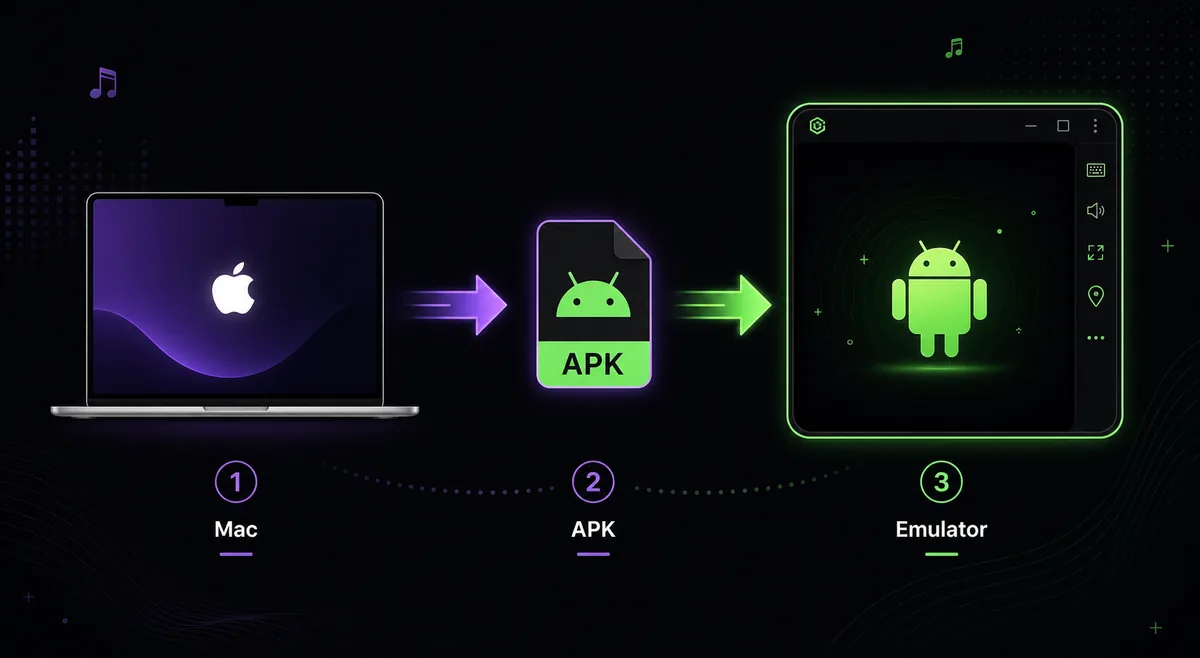
For most Mac users, the realistic setup is an Android emulator that supports your processor and macOS version. The emulator creates an Android environment, then the MetroList APK installs inside that environment. This is similar to running MetroList on Windows through an emulator, but Mac hardware and Apple silicon compatibility need more care.
If you only want to manage playlists, you may not need MetroList running directly on macOS. You can export playlist data on your Mac, verify the APK from GitHub, then use MetroList on Android, Android TV, or a PC emulator. That path is often simpler and safer than chasing a fake MetroList Mac download.
Best practical answer
Use the official Android APK inside a reputable Android environment, or use MetroList on Android. Do not install MetroList.dmg, MetroList.pkg, or Mac unlocker files from random pages.
MetroList on Mac Options Compared
Choose the route based on whether you need playback on the Mac itself or only need a safe way to handle downloads and playlists.
| Option | Best for | Main caution |
|---|---|---|
| Android emulator on Mac | Users who want MetroList playback on macOS | Confirm the emulator supports your Intel or Apple silicon Mac before installing the APK. |
| Android phone or tablet plus Mac playlist management | Users who only need library control and safer playback | MetroList runs on Android, while the Mac is used for exports, downloads, and verification. |
| Apple silicon sideloading claims | Advanced users checking app compatibility | APK files still need an Android environment; random conversion tools are risky. |
| Native Mac installer from third-party sites | Usually not recommended | Treat DMG, PKG, EXE, or cracked Mac bundles as suspicious unless the official project confirms them. |
How to Use MetroList APK on Mac Safely
The exact emulator screens differ, but the safe workflow is the same: verify the source first, then install inside Android rather than trusting a Mac wrapper.
1. Check your Mac type and macOS version
Open About This Mac and note whether you use Apple silicon or Intel. Emulator compatibility, virtualization support, and performance depend on that detail.
2. Choose a reputable Android emulator
Use an emulator with clear macOS support and current downloads from its official site. Avoid bundled installers from APK mirrors or pages that promise a special MetroList Mac edition.
3. Download MetroList from the official release path
Use the MetroList GitHub releases page or a trusted source that points back to the official project. As of July 25, 2026, the official GitHub releases page lists v13.6.1 as the latest release, so recheck the version before installing.
4. Install the APK inside the emulator
Open the emulator, use its APK install control, or drag the verified APK into the Android window if supported. macOS itself is not installing MetroList; the emulator is.
5. Test playback before building a large library
Play a few tracks, test background behavior, and confirm where the emulator stores downloads. Only then move larger playlists or offline caches.
6. Keep updates consistent
Update through the same trusted release path. Installing random Mac bundles over an emulator-based setup can create duplicate apps or expose your Mac to unrelated software.
Recommended Mac and Emulator Settings
MetroList is light, but emulators can be resource-heavy on macOS. A stable audio setup matters more than aggressive graphics settings.
Start with conservative settings, then increase resources only if the emulator stutters. This keeps the Mac responsive while music is playing in the background.
- CPU and memory - Allocate enough resources for smooth Android playback, but leave headroom for macOS apps. On 8 GB Macs, avoid running heavy browsers and the emulator at the same time.
- Audio output - Keep emulator audio routed to the normal macOS output first. If sound is missing, check macOS sound settings before reinstalling MetroList.
- Storage - Create a clear folder for APK downloads and keep emulator data on a drive with enough free space for cache and offline tracks.
- Network - Use a stable WiFi or Ethernet connection for the first launch, login, playlist sync, and release verification.
Apple Silicon and Native macOS Limits
Apple silicon Macs can run some mobile-style workflows well, but that does not turn an Android APK into a native macOS app. MetroList still expects Android APIs, Android permissions, and Android media behavior. The emulator or Android layer is the part that makes the app usable.
If an emulator does not support your M-series Mac, do not force the install with unknown converters. Wait for emulator support, use another Android device, or run MetroList on a Windows PC with an emulator. The official project is the right place to check whether a real desktop build ever appears.
Also separate Android Auto from macOS expectations. MetroList features built for Android devices do not automatically create CarPlay or native Mac menu bar behavior. Treat the Mac setup as a compatibility workaround, not a first-class desktop release.
MetroList Mac Download Claims to Check
Similar download pages often mix Android APK language with Mac installer claims. Use the file type and source to decide whether a result belongs on this Mac guide or should be ignored.
| File or claim | How to treat it | Why |
|---|---|---|
| Metrolist.apk | Valid Android file, but it must run inside Android. | macOS cannot install APK files directly. |
| MetroList.dmg or MetroList.pkg | Do not install unless the official project publishes it. | A native Mac build is not the normal release path. |
| APK-to-Mac converter | Avoid for normal users. | Converters add risk and rarely solve Android API requirements. |
Keep the Mac page focused on macOS compatibility. Windows emulator details belong on the PC guide, while release verification belongs on the GitHub guide.
Safety Checklist Before Running MetroList on Mac
Mac users are often targeted by fake download pages because the real app is Android-only. Use this checklist before opening any file.
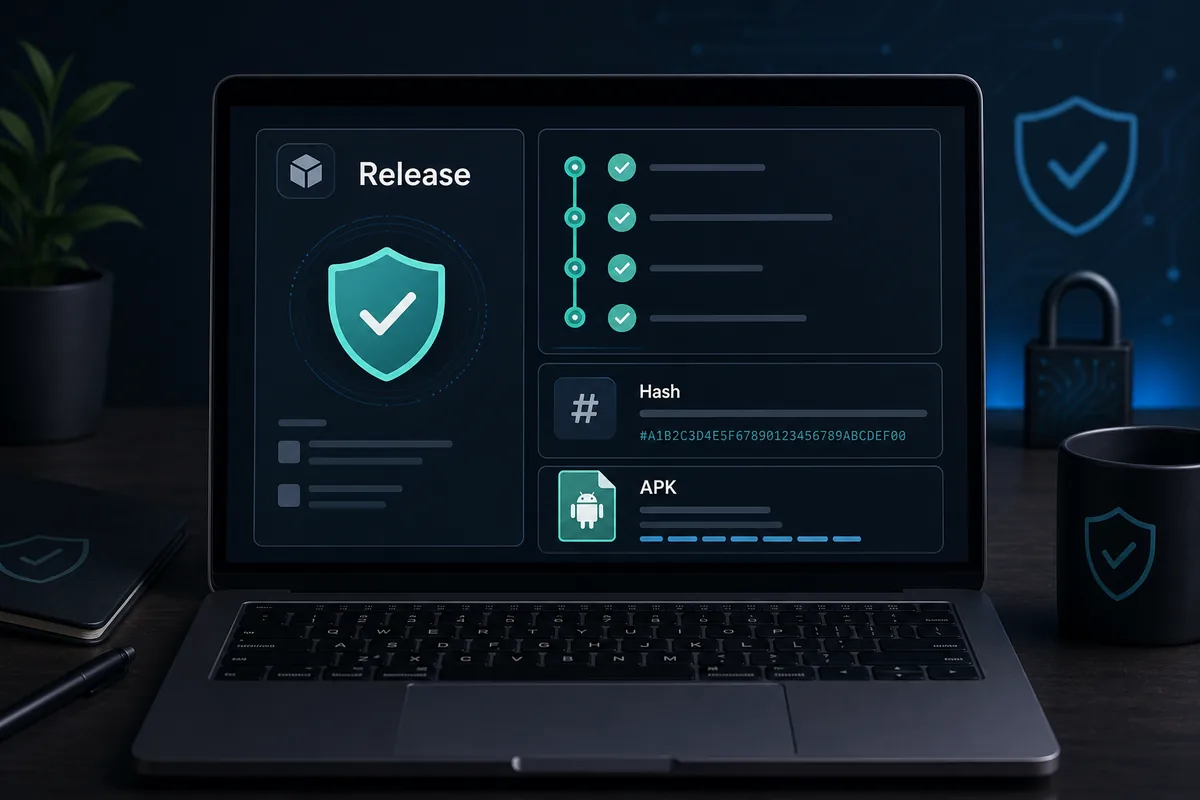
- File type matches the claim - The official Android app should be an APK. A DMG or PKG needs a clear official explanation before you trust it.
- Release source is traceable - Prefer the official MetroList GitHub repository and releases page. If a download page hides the source, skip it.
- Version is current - Compare the version on the file page with the official release stream. On July 25, 2026, GitHub showed v13.6.1 as latest.
- No profile or survey requirement - MetroList does not need macOS configuration profiles, browser extensions, or offer walls to install inside Android.
- Permissions make sense - Inside the emulator, review permissions and avoid signing into sensitive accounts until playback and source trust are confirmed.
MetroList Mac Troubleshooting
Most Mac setup problems come from emulator compatibility, a stale APK, or macOS audio and storage settings.
The emulator will not start
Check whether the emulator supports your Mac processor and macOS version. Restart after enabling required virtualization or security permissions.
The APK will not install
Download the APK again from the official release path and install it from inside the emulator. A corrupted partial download can trigger parse errors.
Music plays with no sound
Check macOS output device, emulator volume, and app volume first. Bluetooth device switching can leave emulator audio routed to the wrong output.
Playback stutters
Close heavy Mac apps, lower emulator resolution, allocate moderate memory, and avoid large downloads during streaming.
Offline songs are hard to find
Downloads live inside the emulator Android storage, not as normal Finder music files. Manage them through MetroList unless you know the emulator file system.
MetroList for Mac FAQ
Useful official resources
- MetroList GitHub repository - Official project source and issue context.
- MetroList GitHub releases - Best place to verify current APK release files.
- IzzyOnDroid MetroList listing - Android app listing that helps confirm package identity and version history.
Updated July 2026